A little about the gameMeet Minesweeper
Read the numbers and uncover every safe cell. Play three classic difficulties with a safe first move, touch flags and personal best times.
How to play Minesweeper
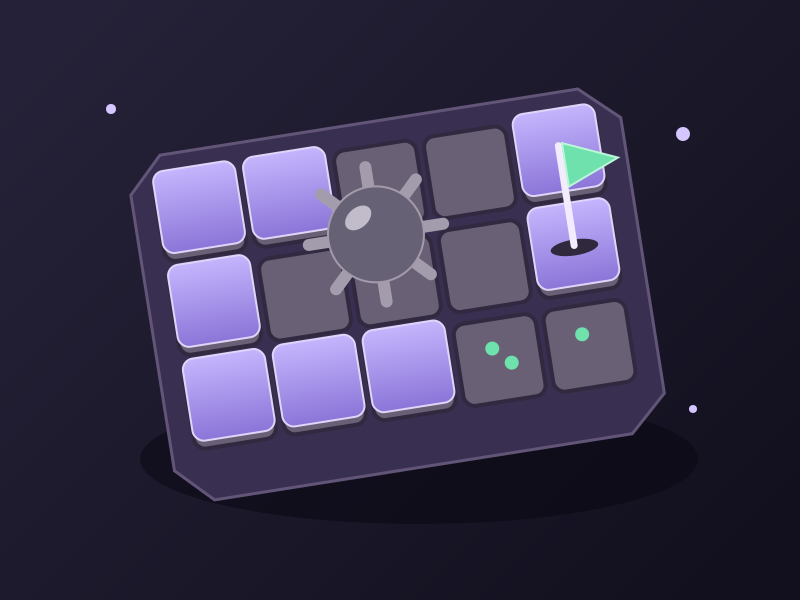
Reveal every cell without a mine to win. Beginner has a 9 by 9 board with 10 mines, Intermediate 16 by 16 with 40, and Expert 30 by 16 with 99. Click or tap to reveal; right-click or hold for a moment to toggle a flag. On a phone you can also select Flag mode, then tap. Numbers count mines in the eight neighboring cells. Your first reveal and its neighbors are always safe. Click an open number to reveal its remaining neighbors when the surrounding flag count matches; incorrect flags can expose a mine. Use Tab to enter the grid, arrow keys to move, Enter or Space to reveal and F to flag. The full board fits your screen. Select Zoom for larger cells and drag to explore; Fit returns to the whole board. The timer starts at your first reveal, stops on a win or loss and freezes while paused. The smiley starts a fresh board; changing difficulty also resets the board. All mines appear after a loss, and the fastest completion for each difficulty saves on this device. Your results appear automatically after a brief final reveal.
A tip for your next run
If a number has exactly that many covered neighbors, they are all mines. Flag them, then look for numbers whose flags are already complete.
Is the first move in Minesweeper safe?
Yes. Mines are placed only after your first reveal, with that cell and its neighbors kept clear. Later moves follow classic Minesweeper rules, so a random board can still require a guess.
How do I flag mines on a phone?
Hold a covered cell briefly to flag or unflag it, or choose Flag mode and tap cells. For larger touch targets, select Zoom and drag to explore the board. Switch back to Reveal when you want to uncover cells.
Where are my Minesweeper best times saved?
Beginner, Intermediate and Expert each keep their own fastest completed time in this browser. There is no online leaderboard. Clearing browser data removes these records; if storage is blocked, the game still works for the current visit.
Quick answers about Minesweeper
What is Minesweeper?
Minesweeper is a free puzzle game you play in your browser. It is also listed under Brain & Puzzle and Retro Classics. Read the numbers and uncover every safe cell. Play three classic difficulties with a safe first move, touch flags and personal best times.
Is Minesweeper free to play?
Yes. Minesweeper is free on SlayArcade, with no download or install. It runs in your browser on desktop, tablet and mobile.
Can I play Minesweeper on my phone?
Yes. Minesweeper works in the browser on phones and tablets with touch controls, and on a computer with a mouse or keyboard. The how-to-play section on this page lists the exact controls.
How long does a game of Minesweeper take?
A session takes about 2–15 min.
How many people can play Minesweeper?
Minesweeper is a single-player game.