A little about the gameMeet Sudoku Studio
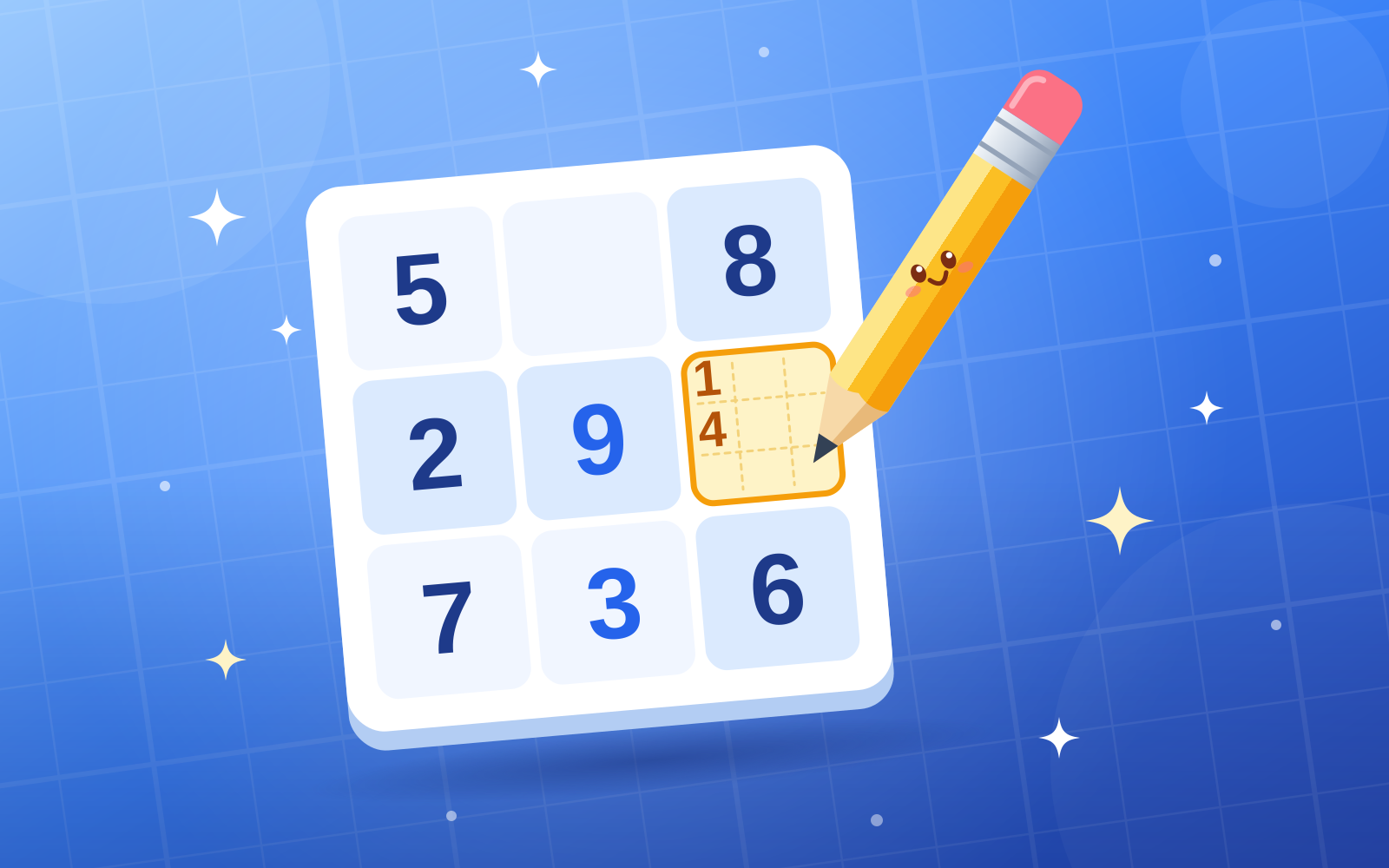
A fresh, uniquely solvable 9×9 Sudoku in three difficulty levels. Pencil in candidates, use a hint, and solve at your own pace.
How to play Sudoku Studio
Tap a square, then a number. Use the Notes switch to pencil in candidates. Nothing is checked until every square is filled — then any wrong squares are marked for you to fix. Solve faster for a bigger time bonus; three hints are available (−100 points each). Keyboard: arrows move, 1–9 fill, Backspace erases, N toggles notes.
A tip for your next run
Start with rows or boxes that have only a few missing digits.
Quick answers about Sudoku Studio
What is Sudoku Studio?
Sudoku Studio is a free puzzle game you play in your browser. It is also listed under Brain & Puzzle, Retro Classics and Quick Play. A fresh, uniquely solvable 9×9 Sudoku in three difficulty levels. Pencil in candidates, use a hint, and solve at your own pace.
Is Sudoku Studio free to play?
Yes. Sudoku Studio is free on SlayArcade, with no download or install. It runs in your browser on desktop, tablet and mobile.
Can I play Sudoku Studio on my phone?
Yes. Sudoku Studio works in the browser on phones and tablets with touch controls, and on a computer with a mouse or keyboard. The how-to-play section on this page lists the exact controls.
How long does a game of Sudoku Studio take?
A session takes about 2 min.
How many people can play Sudoku Studio?
Sudoku Studio is a single-player game.